How to verify an applicant's certificate: a practical guide for HR teams and selection panels
Training, seminar, and course certificates often add value to job applications, scholarship selection, or promotion requests. Because digital certificates are easy to edit, HR teams and selection panels need a fast, consistent way to check them without emailing every organizer.
 Resmi.ID Team · 5 min read ·
This guide covers warning signs worth a closer look, how to check certificates that have QR verification, and what to do when a certificate cannot be verified.
Signs a certificate needs a closer look
- The font or text size of the recipient's name differs from the rest of the certificate.
- The event date does not make sense, for example before the issuer was founded, or on a public holiday without explanation.
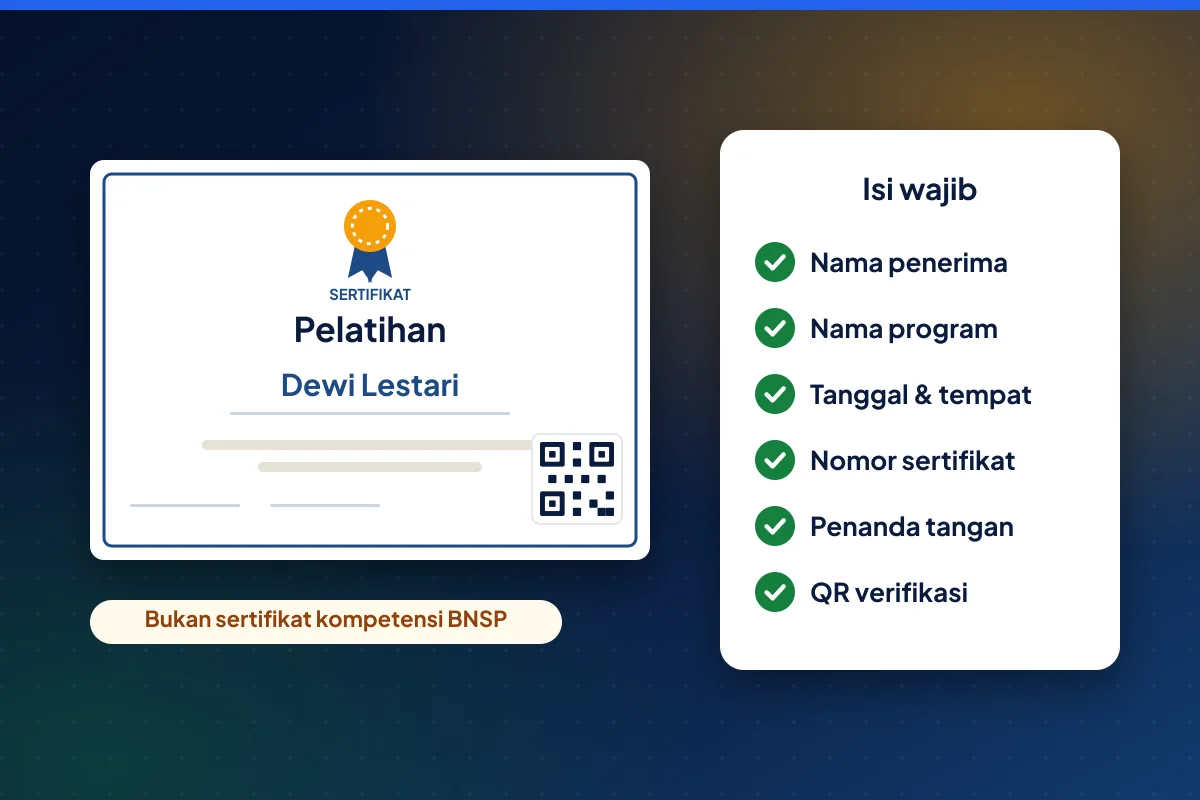
- There is no certificate number, or the number does not follow the same pattern as other certificates from the same issuer.
- The certificate is sent only as a screenshot or photo, not the original file.
- The certificate uses the word "competency" or the BNSP logo, although the issuer is not a licensed Professional Certification Body.
These signs are not proof of forgery, only reasons to check further. Many small organizers simply have not yet made their certificates consistent.
Checking certificates with QR verification
- 1Scan the QR or open the linkMake sure the page that opens is on the official domain of the issuing service, not another site imitating its look.
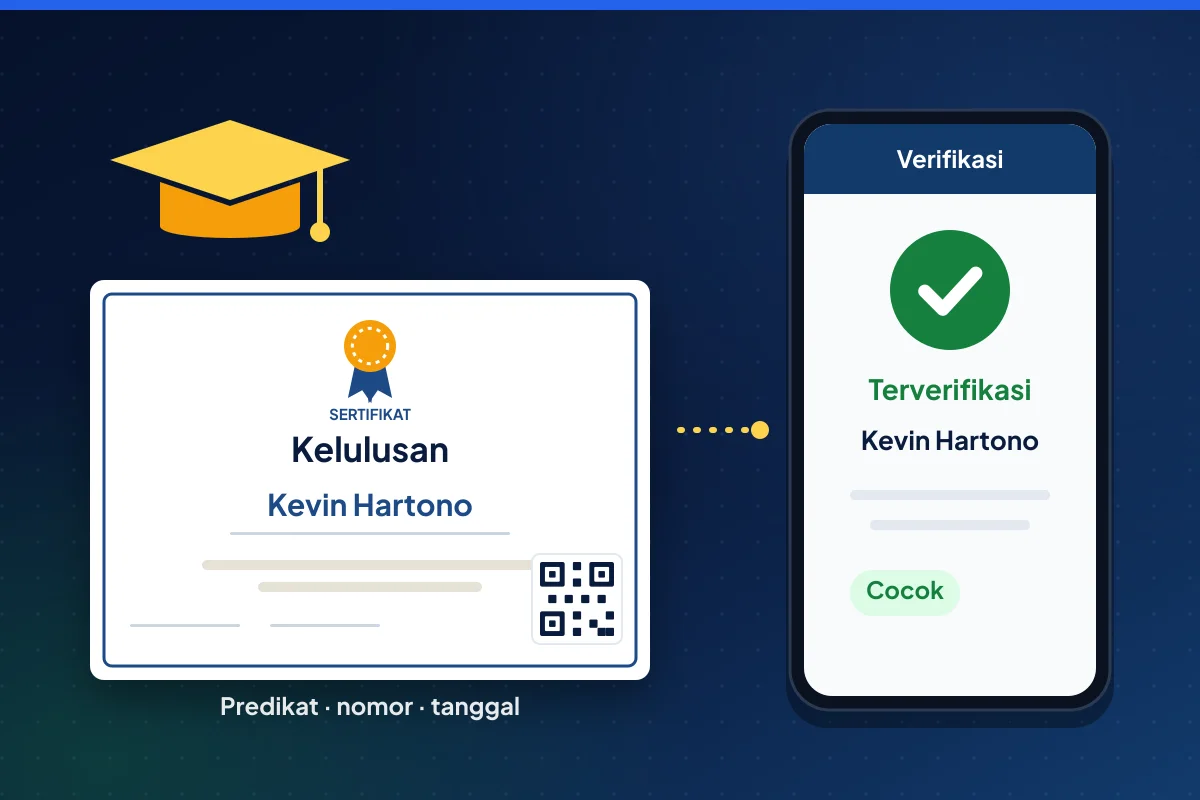
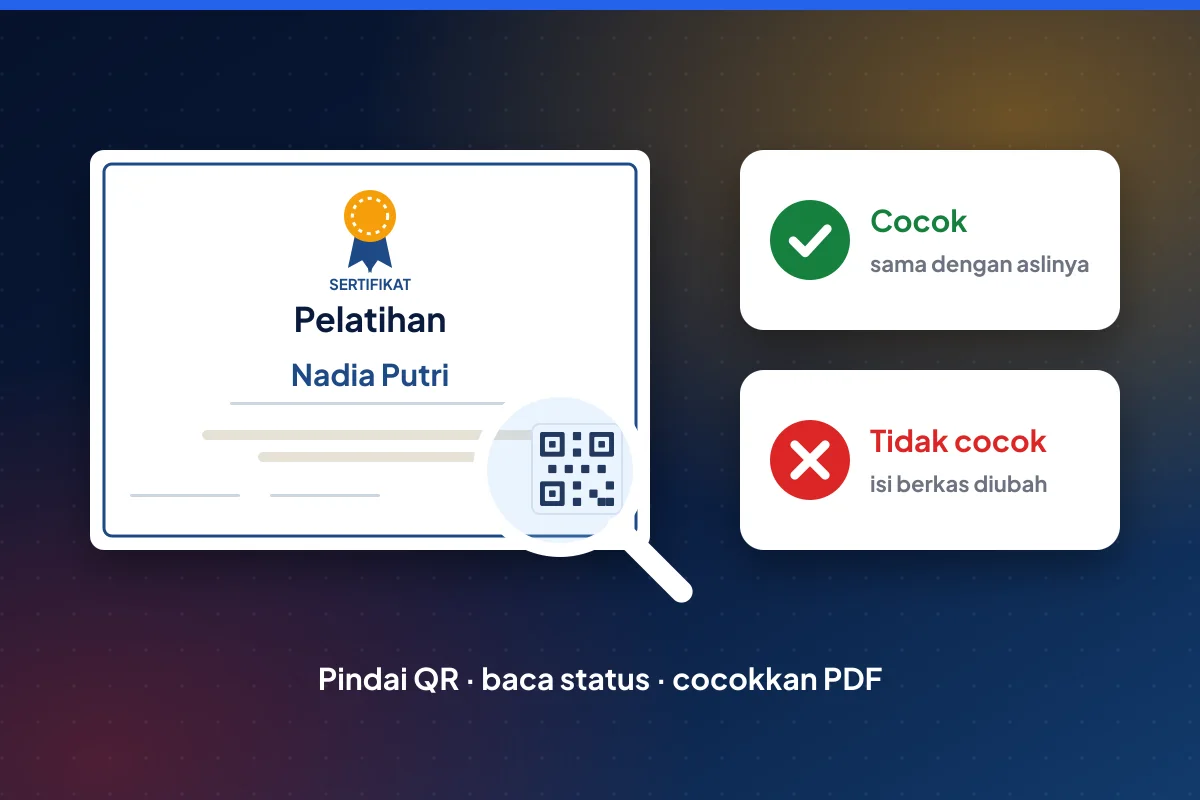
- 2Read the document statusOn docs.resmi.id, "Document Verified" means the code is registered and the document was issued through this service. "Document not found" means the code is not registered. "Document revoked" means its issuance has been withdrawn.
- 3Compare issuer and signersThe verification page shows the issuer, the signers, how they were verified, and when they signed. Compare these with what is written on the certificate.
- 4Match the fileAsk the applicant for the original PDF, then select it in the matching section of the verification page. The file is processed on your device and never uploaded. If the result is "Does not match", the file's content differs from the final issued document.
When a certificate has no digital verification
Contact the issuer through official contact details you find yourself, for example on the organization's website, not the phone number or email printed on the certificate. Give the recipient name, certificate number, and event date, and ask whether the certificate is on record. For competency certificates the issuer is a BNSP-licensed LSP, so checks should go to that LSP.
Protect applicants' personal data
Certificates contain the applicant's name and other personal data. Use them only for selection purposes, store them in a system with restricted access, and delete them when no longer needed under your company's retention policy. This is in line with data controller obligations under Indonesia's Personal Data Protection Law.
Make the procedure consistent
Decide when certificates must be verified, for example for positions that require specific training, and record the result in the selection file. Applying the same procedure to every applicant makes decisions fairer and easier to justify.
References
- JDIH BPK — UU Nomor 11 Tahun 2008 tentang Informasi dan Transaksi Elektronik
- JDIH BPK — UU Nomor 1 Tahun 2024 (Perubahan Kedua UU ITE)
- JDIH Kemenkeu — PP Nomor 71 Tahun 2019 tentang Penyelenggaraan Sistem dan Transaksi Elektronik
- JDIH BPK — UU Nomor 13 Tahun 2003 tentang Ketenagakerjaan (Pasal 18)
- JDIH BPK — PP Nomor 10 Tahun 2018 tentang Badan Nasional Sertifikasi Profesi
- JDIH BPK — UU Nomor 27 Tahun 2022 tentang Pelindungan Data Pribadi
This information is general and not legal advice. For important decisions, check the latest regulations at official sources or consult a legal professional.