Names can be changed in minutes
Any PDF or image editor can swap a name, date, or grade — and the result looks identical.
Issue online course, seminar, and training certificates with QR verification. Anyone who receives your certificate can confirm it is genuine on docs.resmi.id — no need to contact the organizer.

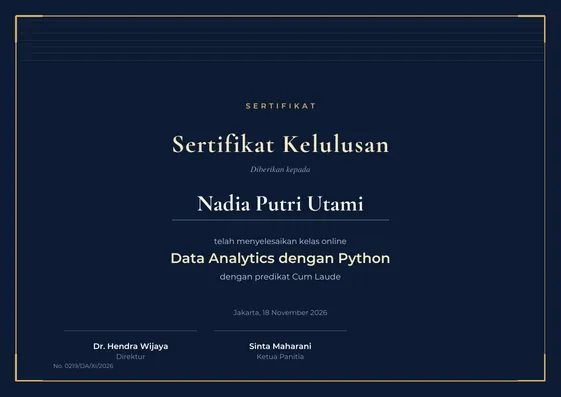

A certificate that is just an image or a PDF carries no proof that your organization actually issued it.
Any PDF or image editor can swap a name, date, or grade — and the result looks identical.
HR teams and organizers have to email the issuer and wait for a reply. Many end up not checking at all.
One fake certificate in your name undermines trust in every genuine certificate you have ever issued.
Certificates are issued as docs.resmi.id documents. The QR code on the certificate leads to an official verification page showing its issuance record.
Printed on every page at issuance. A copied QR or made-up code shows "Document not found".
The verification page shows the issuer, signer names, how they were verified (email/WhatsApp OTP), and when they signed.
Reviewers can match the PDF they received. Change a single letter and the result is "Does not match". The file is checked on their device, never uploaded.
Every event — created, sent, signed — is recorded in order, so the certificate's history can be traced.
9f2c 41d8 … 07b3 e71a41b7 c02e … 9a6f 0c9d
Training, participation, or award. Pick from 24 designs, upload your logo, set colors and fonts.
One at a time, or upload an Excel file with names, descriptions, and certificate numbers for many recipients at once.
Up to 8 signers, such as a director and an event chair. They sign through a link — no account needed.
Once signed, the verification QR is printed and the certificates are ready to share.
Upload your attendee list from Excel — up to 500 recipients per upload. All certificates are compiled into one document, one page per attendee, so signers only sign once.
Completion certificates graduates can add to their CV and LinkedIn with confidence.
Attendee and speaker certificates for hundreds of people, right after the event.
Clean, auditable proof of internal training for your HR team.
Competency certificates with grades, numbers, and instructor signatures.
Winner and participant certificates nobody else can claim.
Award certificates for partners, volunteers, or outstanding employees.
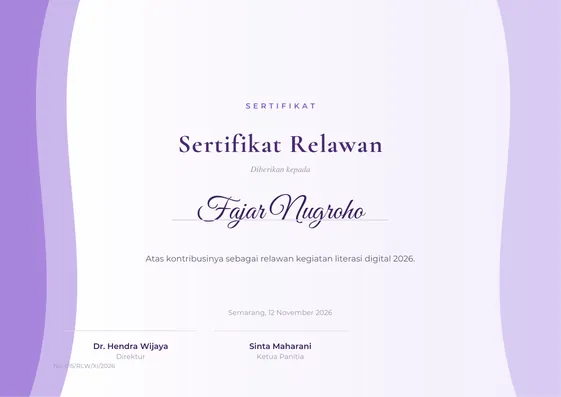
From classic framed to modern minimal. Every design is rendered as a print-quality PDF.
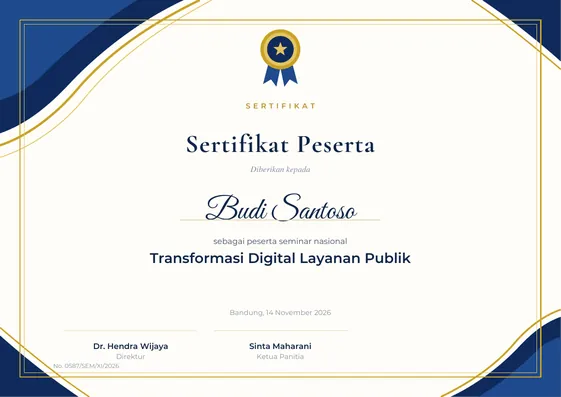
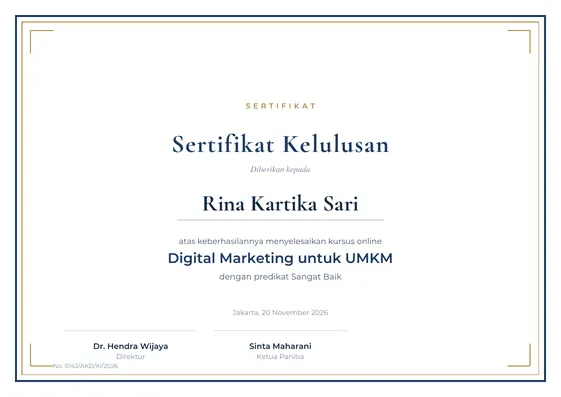
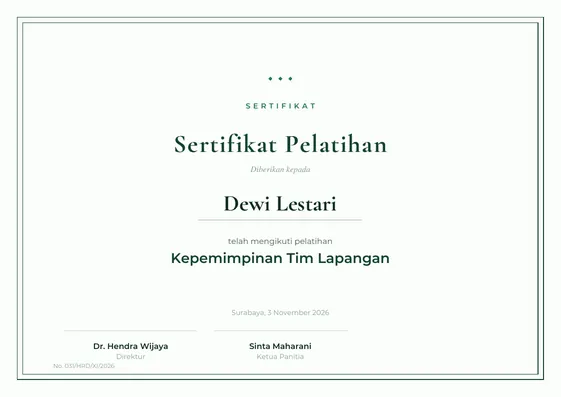
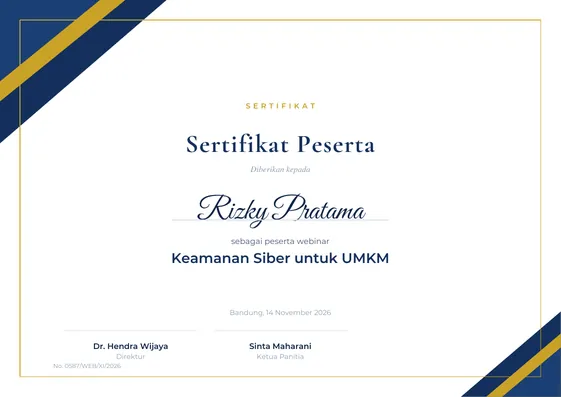

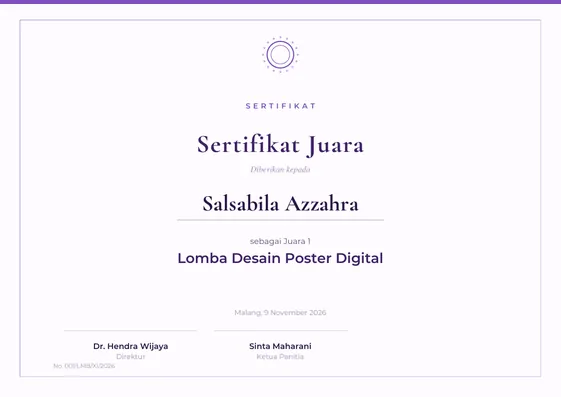

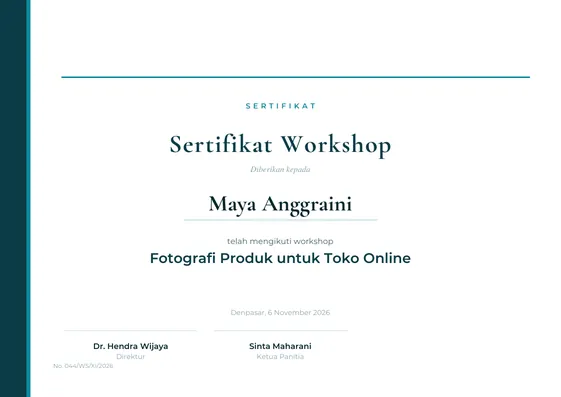
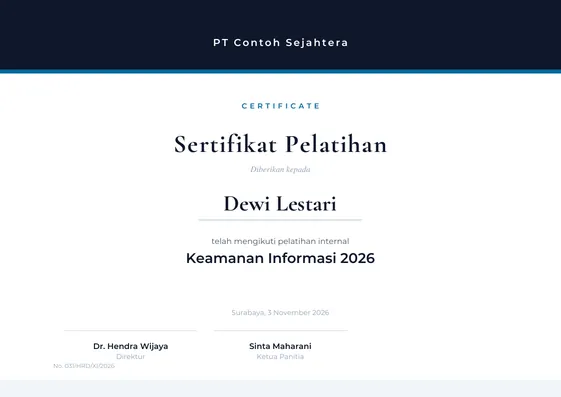
Someone can still make a copy that looks similar, but it will not pass verification: a made-up QR or code is not registered, and an edited original produces a fingerprint that differs from the issuance record. Forgery is exposed the moment it is checked.
Scan the QR on the certificate or open its verification link. The docs.resmi.id page shows the document status, issuer, and signers. For the strictest check, select the received PDF to match its fingerprint.
Up to 500 recipients per Excel upload. For larger events, split the attendee list into several uploads.
No. Signers receive a link, verify themselves with a one-time code, and sign from their phone or laptop.
Bulk certificates are issued as one document with one page per attendee. Every page carries that document's verification QR.
Yes. Upload your logo, then adjust colors and fonts on the chosen design. A live preview appears before you issue.
Create your first certificate today — pick a design, add attendees, and share with QR verification.