Digital training certificates: what to include and how to issue them so they can be verified
A training certificate is proof that someone attended or completed a training program. For participants it goes into their CV and portfolio. For organizers, whether an HR team, a course provider, or an association, the certificate is the face of their reputation: a certificate that looks professional and can be verified makes your program more credible.
 Resmi.ID Team · 6 min read ·
This article covers what a training certificate should contain, how it differs from a competency certificate, and how to issue it digitally so anyone can confirm it is genuine. It is general information, not legal advice.
Training certificates are not competency certificates
Article 18 of Indonesia's Manpower Law states that workers are entitled to recognition of their work competence after training, and that this recognition is given through work competency certification. Government Regulation 10/2018 explains that competency certification is carried out through standards-based competency assessment, by BNSP or by a Professional Certification Body (LSP) licensed by BNSP.
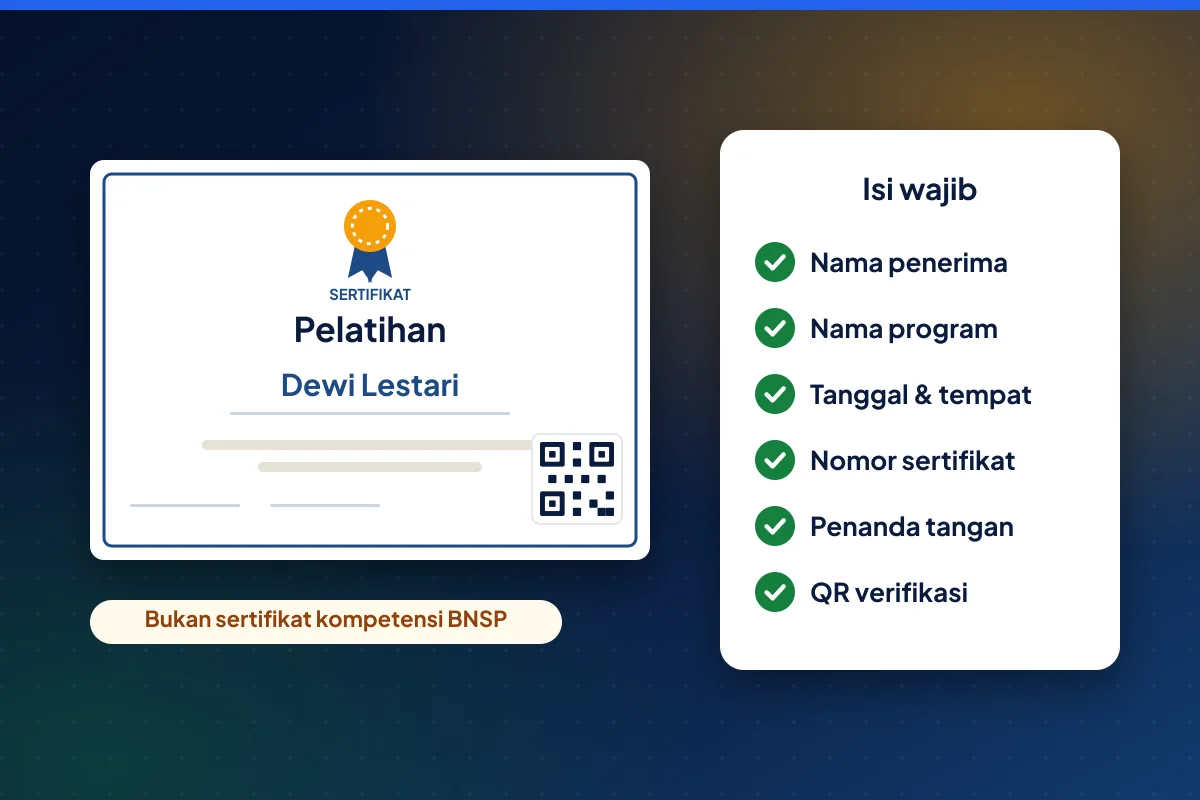
In other words, the certificate you issue after internal training or a public class is a training certificate (proof of attendance or completion), not a competency certificate. Name it honestly, for example "Certificate of Training" or "Certificate of Completion", and do not use the word "competency" or the BNSP logo unless your program really is a competency assessment by a licensed LSP.
What a training certificate should include
- 1Recipient nameExactly as in the registration data, including titles if the participant asks for them. Names are the most common source of typos.
- 2Program name and gradeA specific training title, such as "Information Security Training for Finance Staff", plus a grade or score if there is one.
- 3Date and placeThe training date (or date range) and the city, or "online".
- 4Certificate numberA unique number with a fixed pattern, such as 031/HRD/XI/2026, so it is easy to find in your records.
- 5Issuer and signersThe organization name, logo, and the names and titles of the signing officials, such as the head of HR and the instructor.
- 6Verification methodA QR code or code that leads to the issuance record, so reviewers do not need to contact you.
Avoid printing unnecessary data such as national ID numbers, home addresses, or phone numbers. Participants will share their certificates widely, and any personal data on them spreads too.
Why plain PDF certificates are not trusted
A certificate that is just an image or a PDF can be edited in minutes: the name swapped, the date moved, the grade raised. Reviewers, such as HR teams at other companies, have no quick way to tell a genuine certificate from a fake other than emailing the organizer. As a result many never check at all, and your genuine certificates lose value too.
Indonesia's Electronic Information and Transactions Law states that electronic documents are valid legal evidence, and that electronic signatures have legal force as long as they meet the requirements. A digital certificate is therefore no less valid than a paper one. What sets quality apart is how easily its authenticity can be proven.
How to issue training certificates on docs.resmi.id
- 1Choose a type and designOpen the Certificate tool in the dashboard, choose the Training type, and pick one of 24 designs. Upload your logo and adjust colors and fonts.
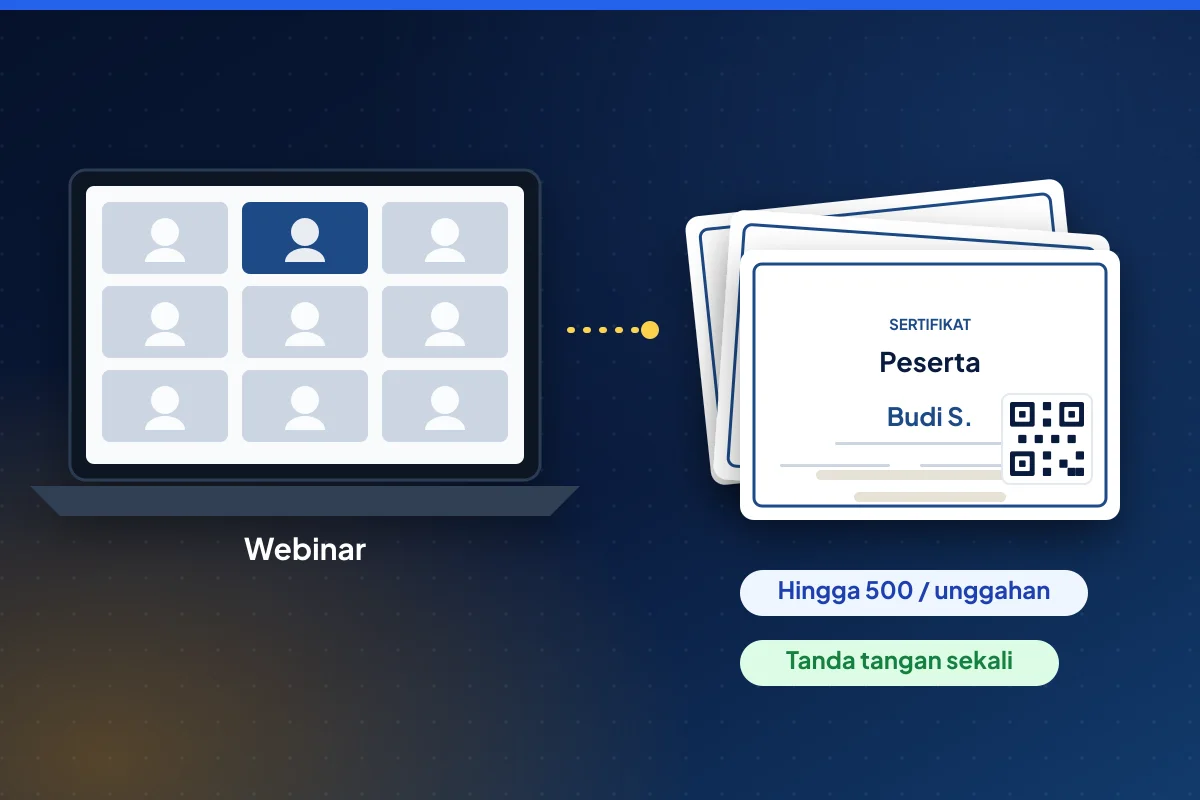
- 2Add participantsFor one person, fill in the form directly. For many, download the Excel template, fill in the Recipient Name, Description, and Certificate Number columns, and upload it (up to 500 rows per upload).
- 3Add signersUp to 8 people, such as the head of HR and the instructor. They sign through a link with a one-time code, without creating an account.
- 4Issue and shareOnce everyone has signed, the verification QR is printed on the certificate and the final document is ready to download and share.
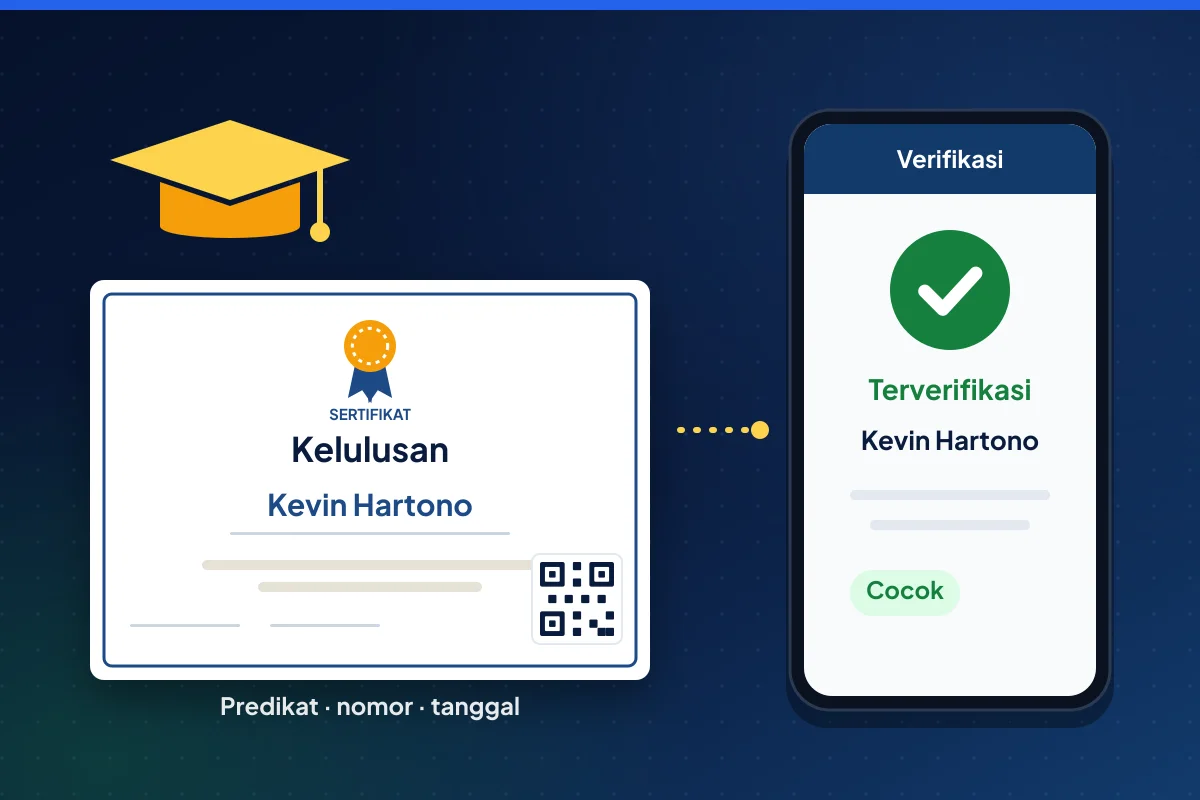
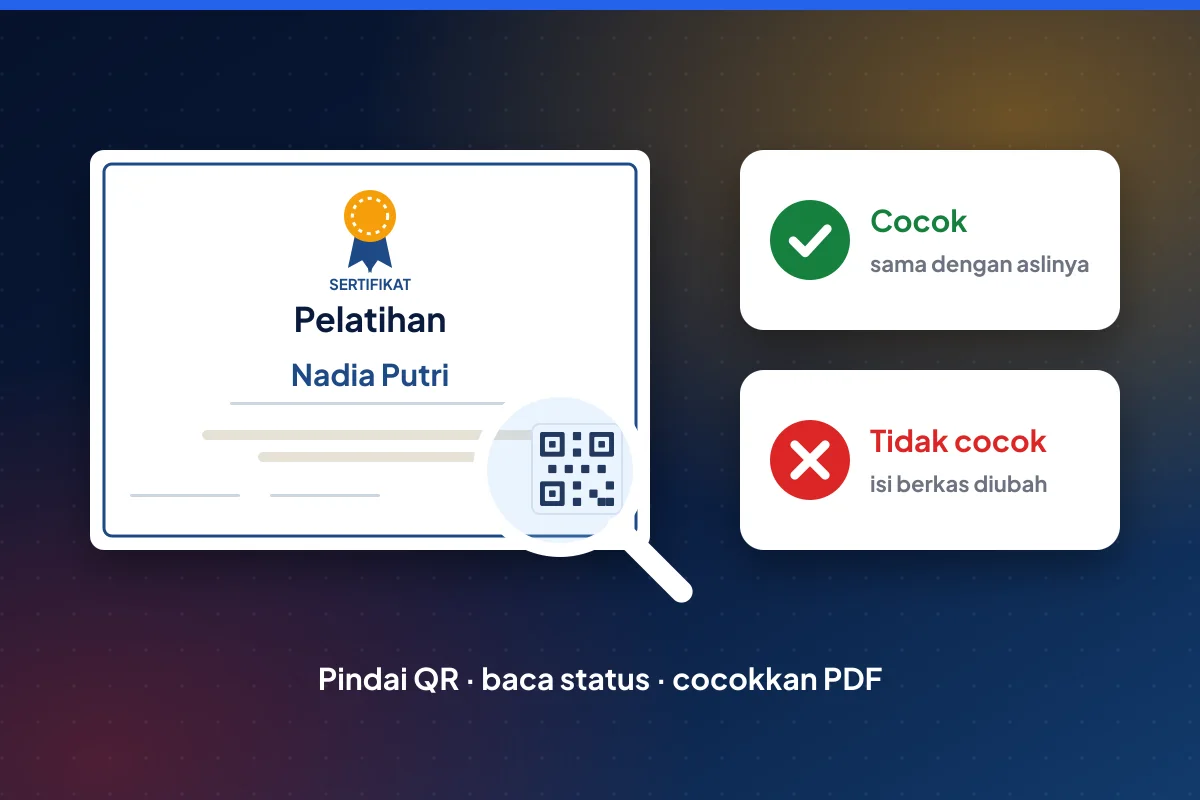
When the QR is scanned, the docs.resmi.id verification page shows the document status, the issuer, the signers' names, and when they signed. Reviewers can also match the PDF they received: change a single letter and the result is "Does not match".
Tips to keep training certificates tidy
- Set the certificate numbering pattern before the training starts and do not change it midway.
- Ask participants to check the spelling of their names at registration, not after certificates are issued.
- Issue certificates only to participants who meet the requirements, such as minimum attendance or passing an evaluation, and record those requirements.
- Keep the Excel recipient list as your issuance record.
References
- JDIH BPK — UU Nomor 13 Tahun 2003 tentang Ketenagakerjaan (Pasal 18)
- JDIH BPK — PP Nomor 10 Tahun 2018 tentang Badan Nasional Sertifikasi Profesi
- JDIH BPK — UU Nomor 11 Tahun 2008 tentang Informasi dan Transaksi Elektronik
- JDIH BPK — UU Nomor 1 Tahun 2024 (Perubahan Kedua UU ITE)
- JDIH Kemenkeu — PP Nomor 71 Tahun 2019 tentang Penyelenggaraan Sistem dan Transaksi Elektronik
This information is general and not legal advice. For important decisions, check the latest regulations at official sources or consult a legal professional.