How to check that a digital document and its e-Meterai are genuine
PDFs are very easy to edit. Names can be swapped, an extra zero can be added to an amount, and a stamp image can be pasted in within seconds. That is why any digital document you receive, whether a contract, a receipt or a statement, should be checked before you rely on it.
 Resmi.ID Team · 4 min read ·
 Photo: FlyD / Unsplash
Here are four ways to check it, from the quickest to the most thorough, plus a list of warning signs to look out for.
1. Scan the docs.resmi.id verification QR
Documents completed on docs.resmi.id carry a verification QR code. Scan it with your phone camera and make sure the address that opens is on the docs.resmi.id domain. The public verification page shows the code's status, the document title, the issuing business and when the document was completed.
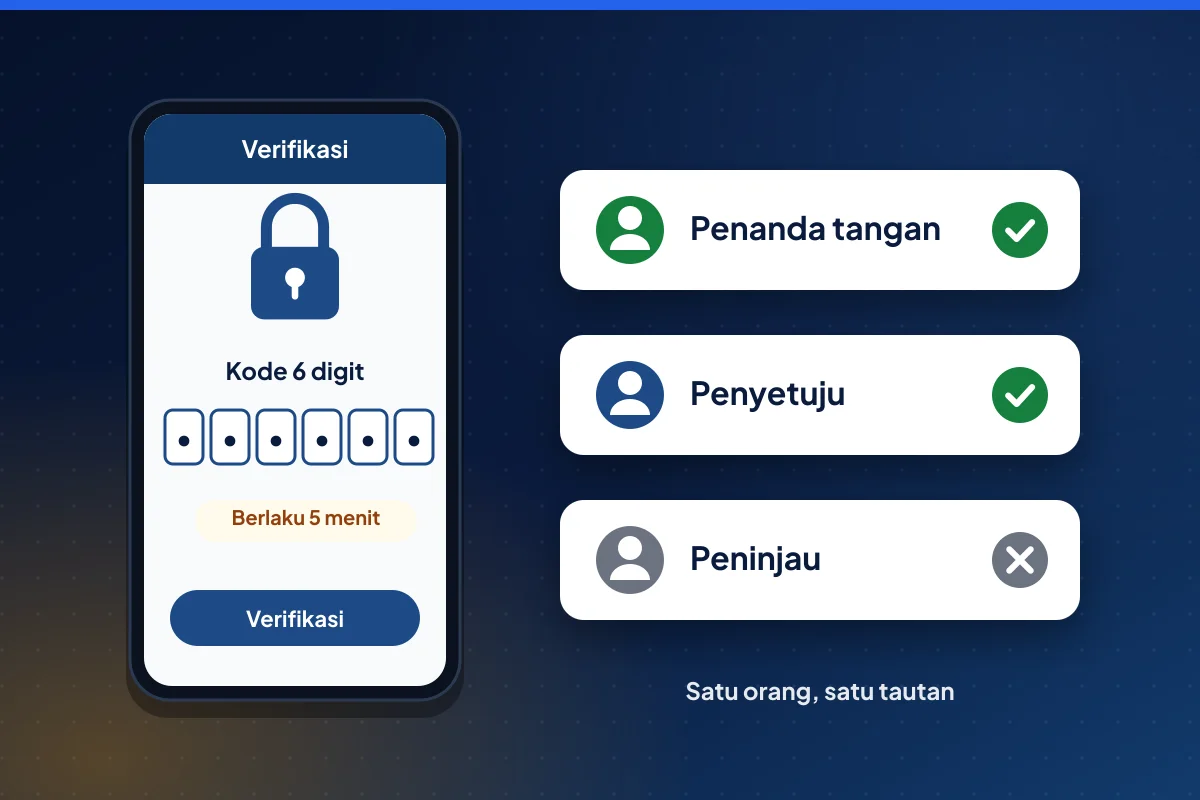
If the document owner allows it, the page also lists the signers with partially masked names, their verification method (email or WhatsApp OTP), the e-Meterai serial numbers, and a summary of the audit trail with the integrity status of its chain.
- 1ValidThe code is registered and the document is recorded as completed.
- 2RevokedThis verification code has been revoked, so the document should not be relied on without confirming with the issuer.
- 3Not foundThe code is not registered. This is a serious red flag.
2. Match the file's SHA-256 hash
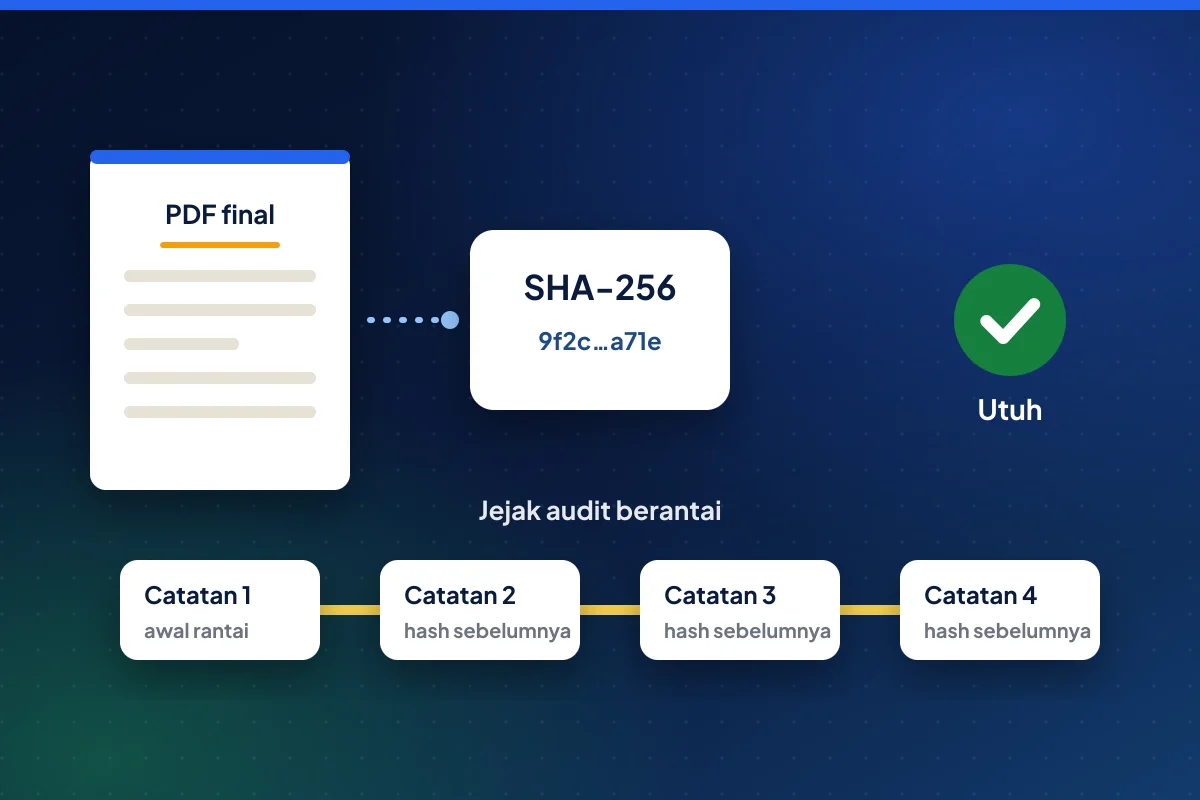
A QR code only proves that a document with that code exists. To make sure the file in your hands is exactly the one that was signed, use the file-matching feature on the verification page. The file's SHA-256 hash is calculated in your browser and compared with the hash we store, and the file itself is never uploaded to our server.
A hash is a digital fingerprint. Changing even a single character produces a completely different hash. If the result does not match, your file is not the final signed version.
3. Check the e-Meterai
Under Law 10/2020, an electronic stamp carries a unique code and specific information. Every genuine e-Meterai has its own serial number and is digitally bound to its file. To check it:
- Upload the PDF to Peruri's verification site at verification.peruri.co.id to see its verification status and code number.
- Use Peruri's official e-Meterai Scanner app to scan the QR on the stamp; a genuine e-Meterai shows a unique number and the date and time of purchase.
- Compare the serial number on the stamp with the one listed on the docs.resmi.id verification page.
- Be wary of a stamp that looks like a pasted image: it cannot be selected as a digital signature and does not appear in the signature panel.
4. Read the signature panel in Adobe Acrobat Reader
Open the PDF in Adobe Acrobat Reader, not in a browser preview, which often does not show digital signature information. Click the signature panel to see the list of digital signatures on the file.
- 1Signature statusCheck whether each digital signature is reported as valid or has a warning.
- 2Changes after signingAcrobat tells you if the document was modified after the signature was applied.
- 3Signer detailsView the certificate and signing time to confirm it comes from Peruri's stamp system.
- 4Validity unknownThis can happen when the certificate is not yet trusted on your device; it is not the same as a modified document.
Signs that a document has been altered
A single sign does not necessarily mean the document is fake. But one sign is reason enough to look more closely before you pay, ship goods or sign anything.
- The hash check on the verification page does not match.
- Acrobat says the document was changed after signing, or the stamp's digital signature is missing altogether.
- The title, page count or completion date on the verification page differs from the file you hold.
- Fonts, spacing or alignment are inconsistent around the amount, names or dates.
- The sender will only share a screenshot or a scan, not the original PDF file.
If something looks wrong, contact the issuer through contact details you already know, not those printed on the suspicious document. Ask for the original file or a new verification code.
For issuers: make checking easy
If you are the one issuing documents, make it easy for recipients to check them. Send the original PDF, not a screenshot. If a document is cancelled or replaced by a new version, contact the docs.resmi.id team to have its verification code revoked, so anyone scanning the old QR immediately knows it is no longer valid.
References
- JDIH BPK — UU Nomor 10 Tahun 2020 tentang Bea Meterai
- DDTCNews — Waspadai e-Meterai palsu, begini cara memastikan keasliannya
This information is general and not legal advice. For important decisions, check the latest regulations at official sources or consult a legal professional.