Beware of e-Meterai scams, fake documents and phishing signature links
As more business moves to digital documents, more scammers move with it. Some sell “cheap” e-Meterai through private messages, some send documents with pasted stamp images, and some impersonate e-signature services to steal one-time passwords (OTPs).
 Resmi.ID Team · 4 min read ·
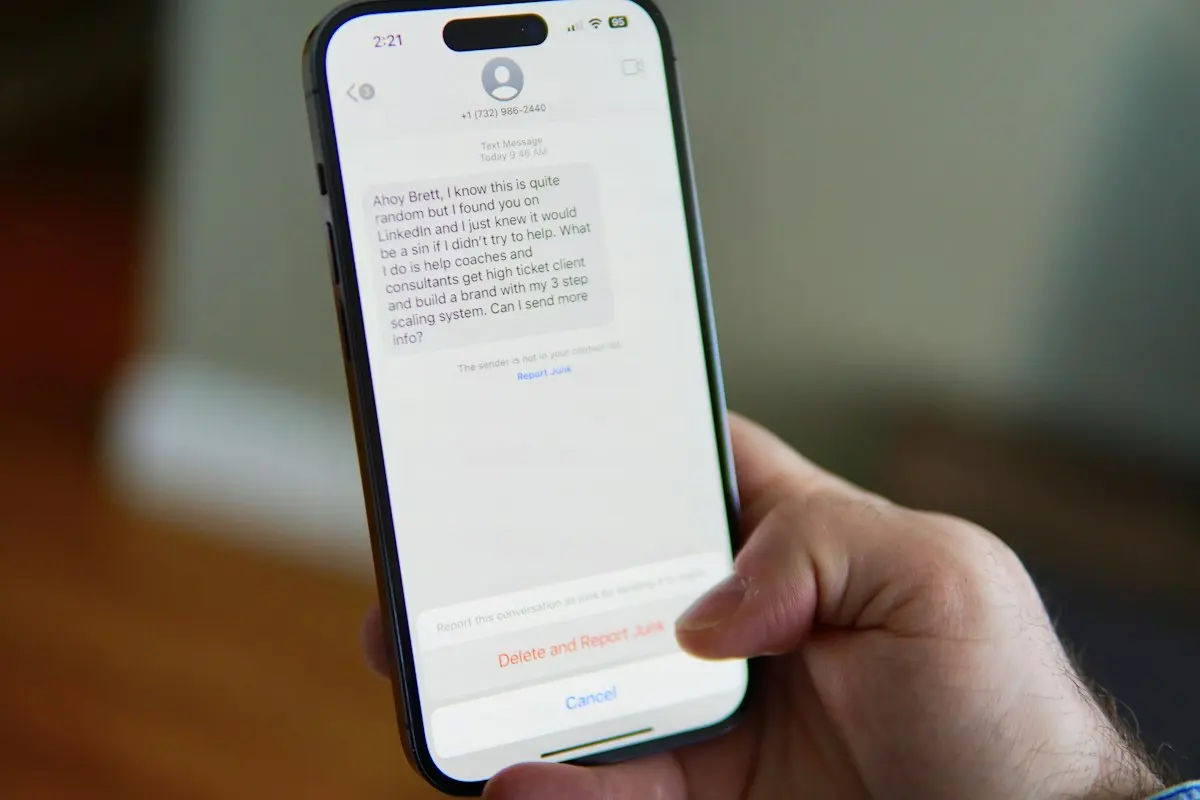 Photo: Brett Wharton / Unsplash
This article covers the three most common schemes and simple ways to spot them, whether you are sending or receiving a document.
Scheme 1: cheap e-Meterai outside official channels
Offers like “e-Meterai Rp7,000, PNG file sent instantly” often circulate on social media and marketplaces. What you get is usually just an image, or a stamp already used on another document. Neither is a valid payment of stamp duty.
Government Regulation 86/2021 assigns Perum Peruri to create and distribute electronic stamps, working with other parties through an integrated system that Peruri provides. So buy e-Meterai only through Peruri or official partners listed on Peruri's website, or use a service that applies the Peruri e-Meterai directly to your file.
- A price far below the Rp10,000 stamp duty rate is a red flag.
- The seller sends an image file (PNG or JPG) instead of applying the stamp to your PDF.
- Payment is requested to a personal account without clear proof of the transaction.
- The seller cannot show a serial number that can be verified.
Scheme 2: pasted stamp images
A genuine e-Meterai is not just a picture. It has a unique code and is digitally bound to the file, so it appears in Adobe Acrobat Reader's signature panel and can be verified through Peruri's website or app. A stamp image copied from another document and pasted into a new PDF has no such binding.
The risk is real. Law 10/2020 sets penalties of up to 7 years in prison and fines of up to Rp500 million for anyone who imitates or forges stamps, or who uses, sells or offers forged stamps as if they were genuine. As a recipient, do not accept a document with a pasted stamp image for an important transaction.
Scheme 3: fake signing links (phishing)
A message such as “Your contract is waiting for your signature, click here” may be fake. The link leads to a lookalike page that asks for your email password, card details or an OTP. Once you hand them over, the scammer can take over your account.
How to recognise a genuine docs.resmi.id invitation:
- 1The right domainThe signing page is always on docs.resmi.id, not a lookalike such as docs-resmi.com or resmi-id.site.
- 2No account or passwordSigners do not need an account, so a page asking for your email password is suspicious.
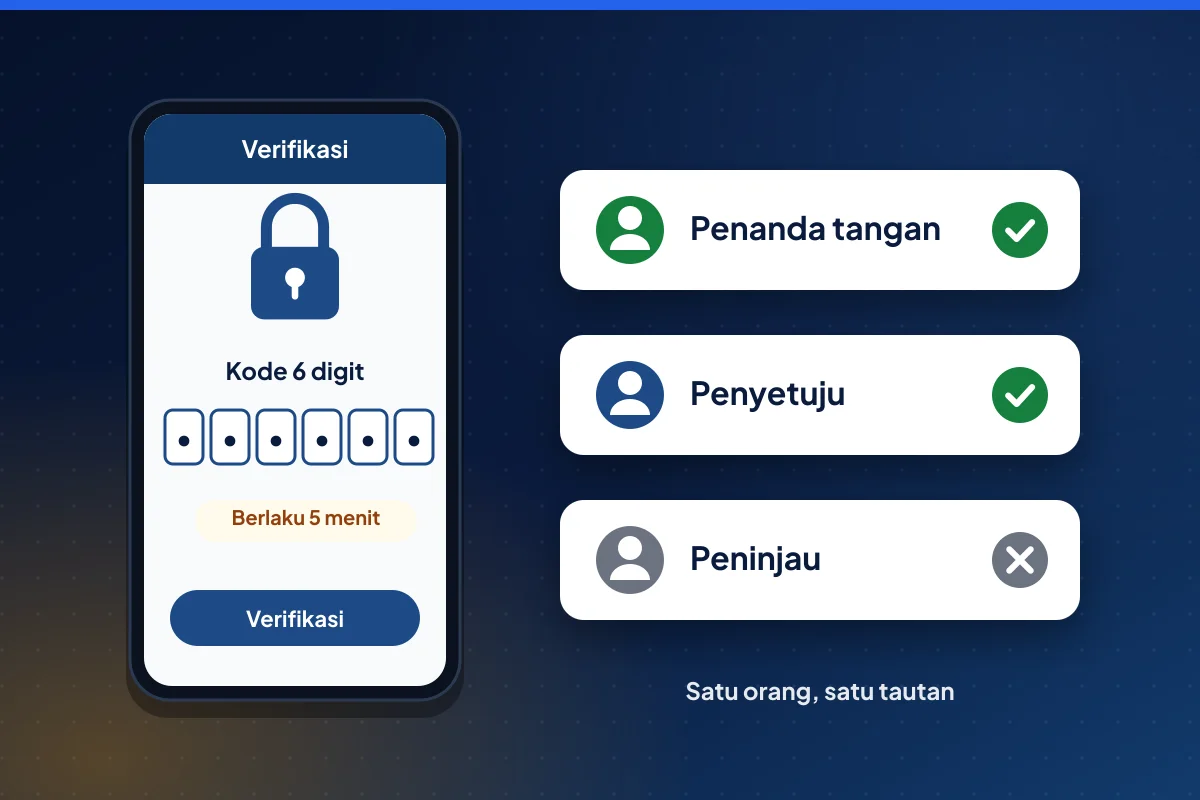
- 3OTP from usThe OTP is sent to your email or WhatsApp and is entered only on the docs.resmi.id page.
- 4No payment requestsSigners are never asked to pay anything to sign.
- 5A sender you knowThe invitation names a document and a sender you are actually dealing with.
Fake documents with a verification QR
More sophisticated scammers put a QR code on a fake document. The QR may point to a lookalike site, or be copied from someone else's genuine document. When you scan it, check the address that opens first. The official verification page is on docs.resmi.id and shows the title, issuing business and completion date, which must match the document in your hands.
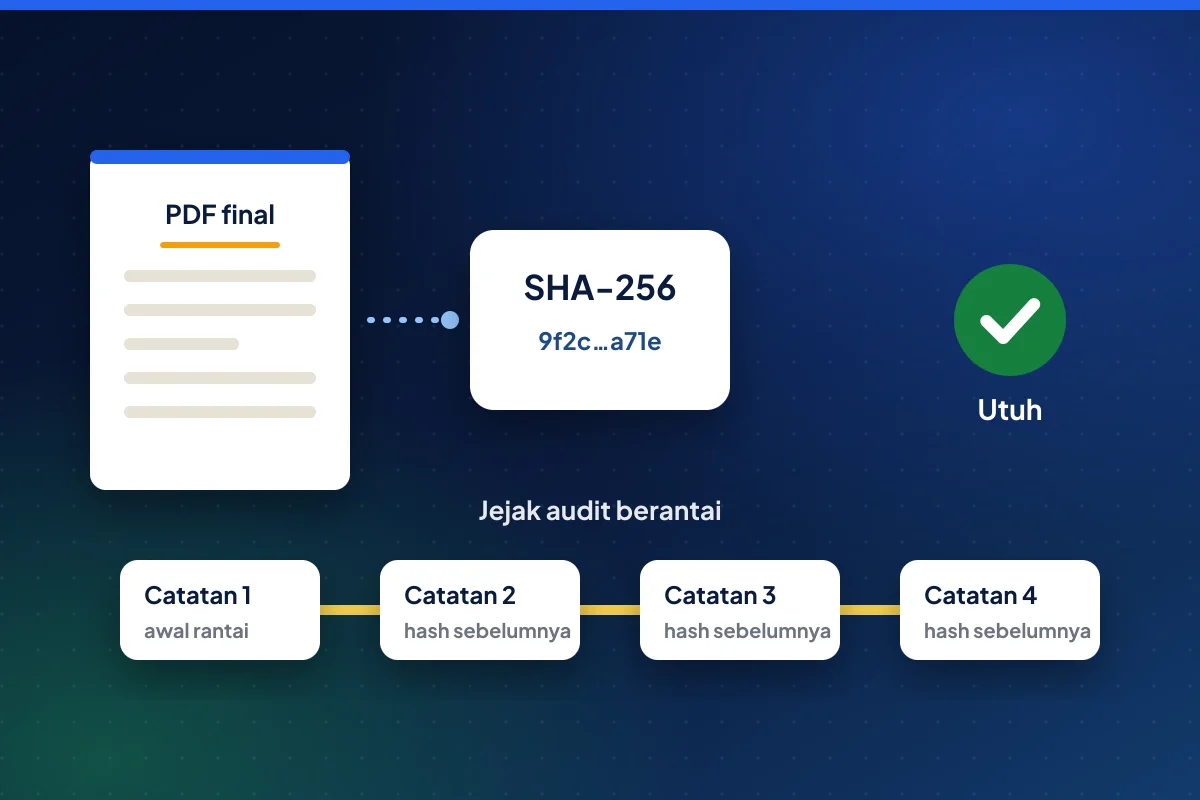
For more certainty, use the file-matching feature on the verification page. Your file's SHA-256 hash is calculated in your browser and compared with our records without uploading the file. If it does not match, the document is not the final signed version.
If you have already been caught out
- Stop communicating and do not send any more money or data.
- Change the password for your email and any other affected accounts right away, then turn on two-step verification.
- Contact the genuine sender through contact details you already know to confirm.
- Keep the evidence: screenshots of messages, links and transfer receipts.
- Report it to your bank if money was involved, and to the police if you suffered a loss.
A quick checklist before you trust a document
- The signing link and verification page are on docs.resmi.id.
- The e-Meterai passes Peruri verification and appears in Acrobat's signature panel.
- The file's hash matches the verification page.
- Nobody is asking for an OTP, password or payment outside the official flow.
References
- JDIH BPK — UU Nomor 10 Tahun 2020 tentang Bea Meterai
- JDIH Kemenkeu — PP Nomor 86 Tahun 2021 tentang Pengadaan, Pengelolaan, dan Penjualan Meterai
- DDTCNews — Waspadai e-Meterai palsu, begini cara memastikan keasliannya
This information is general and not legal advice. For important decisions, check the latest regulations at official sources or consult a legal professional.