Business benefits of e-signatures: faster closing, lower costs, and still secure
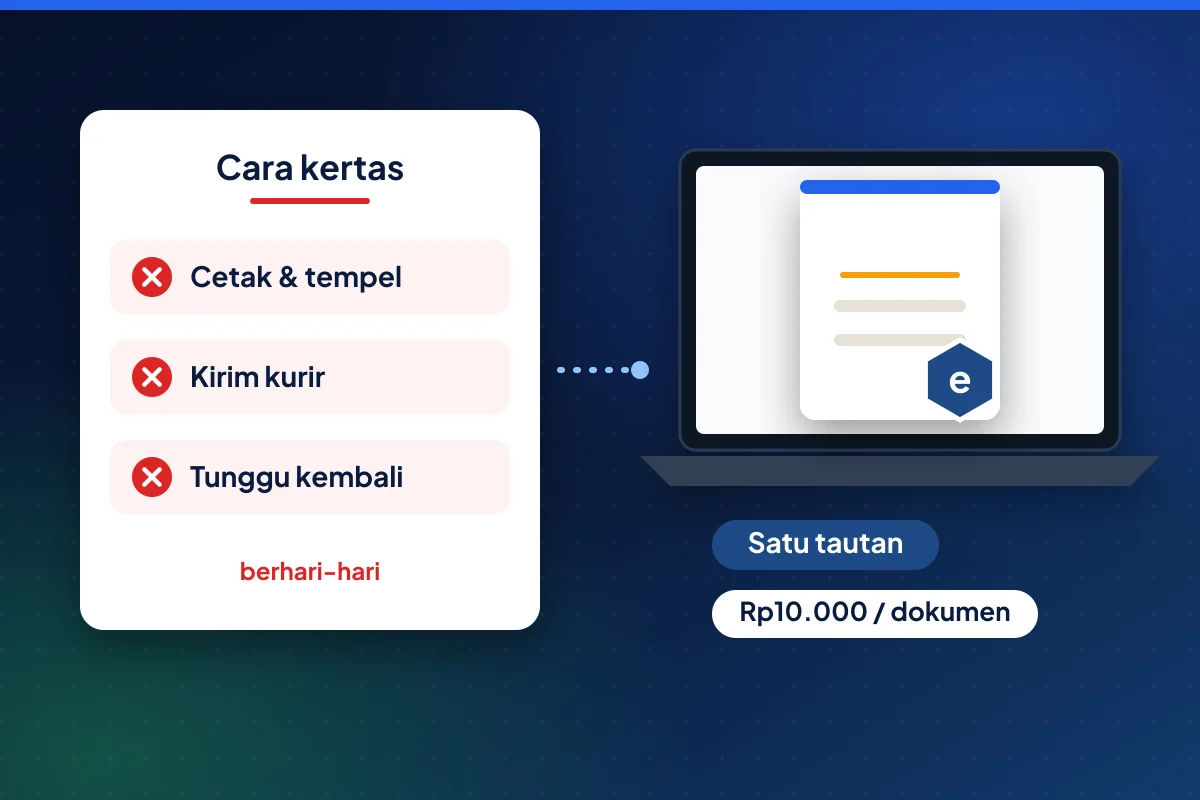
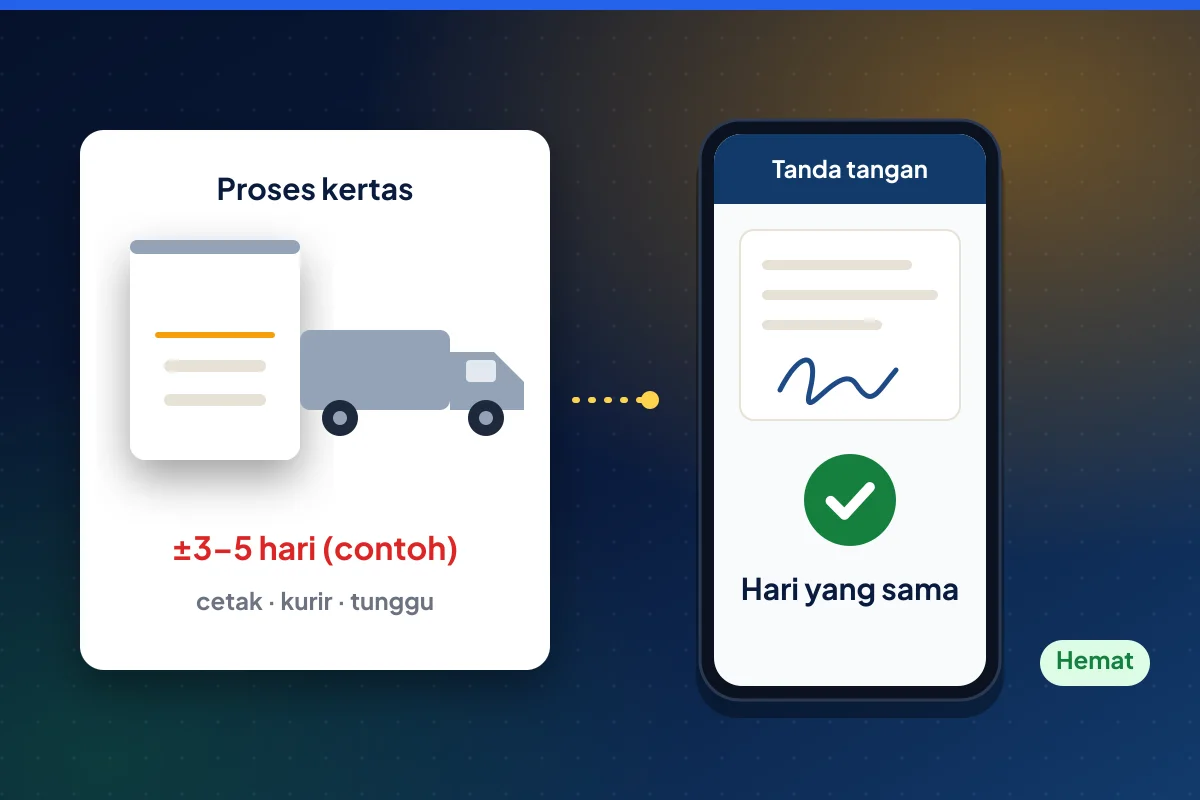
The biggest benefit of electronic signatures for a business is time: a contract that once waited days for a courier can now be signed by every party on the same day, from anywhere. Savings on printing and delivery follow, along with easier remote work and the ability to process large volumes of documents without adding administrative staff.
 Resmi.ID Team · 6 min read ·
Speed is worthless, however, if the signature is easy to dispute. This article covers the business benefits of e-signatures, how to measure them honestly, and the security requirements that must still be met. It is general information, not legal advice.
Four benefits you will notice most
- 1Faster closingSigners receive a link by email and can sign from their phone within minutes, without printing, scanning, or waiting for the document to come back.
- 2Lower costsThere is no paper, ink, courier, or staff time spent handling physical documents. What remains is a per-transaction service fee that can be estimated up front.
- 3Remote workA director travelling on business, a client in another city, or a partner abroad does not need to be in the same office. Signers on docs.resmi.id do not even need to create an account.
- 4Scale and controlOne person can monitor dozens of documents at once, see who has not signed yet, send reminders, and download final documents from a single dashboard.
One more benefit is often overlooked: the record. Paper documents rarely keep track of when they were sent, when they were opened, and who approved them. A good e-signature system records all of these events automatically, so your business has more complete evidence if a dispute ever arises.
Do not forget the cost of mistakes in the paper process: documents lost in transit, pages left uninitialled, or an old version signed by accident. In an electronic process, the content is locked once sent and every signer sees the same file, so the risk of signing the wrong version drops. Measure the results with your own data too. The docs.resmi.id dashboard home shows documents awaiting signature, documents completed this month, and the average completion time, so you can compare before and after switching with real figures rather than estimates.
How to measure the savings honestly
Be wary of savings figures that sound too good to be true. The safest approach is to calculate the cost of your own paper process, then compare it with the electronic service fees shown in your provider's dashboard.
Example: a distributor sends 40 partnership agreements a month to partner shops in several cities. Suppose, purely for illustration, printing and binding cost Rp5,000 per document, a round-trip courier costs Rp60,000, and staff spend 30 minutes per document. For 40 documents, paper and courier alone come to Rp2,600,000 a month, not counting 20 hours of staff time and a 3 to 5 day wait per document. Compare that with the e-signature fee per signer and the e-Meterai fee of Rp10,000 per stamp where the document is actually subject to stamp duty. The figures in this example are hypothetical; use real figures from your own business.
Besides direct costs, count the value of time. A quotation signed three days sooner means goods ship sooner, invoices go out sooner, and cash flow improves. This benefit is hard to calculate precisely, but it is often larger than the paper savings.
Benefits only count if the signature is strong
Article 18(1) of the EIT Law states that electronic transactions set out in an electronic contract bind the parties. For the signature to be valid, Article 11 of the EIT Law and Article 59(3) of GR 71/2019 set six requirements, including that the signature creation data is linked only to and under the control of the signer, that changes after signing can be detected, that there is a way to identify the signer, and that there is a way to show their consent.
In other words, you must not speed up the process by cutting corners on verification. Some habits that look practical actually weaken the evidence:
- Pasting a scanned signature image onto a PDF and sending it over chat. There is no record of who applied it.
- Sharing one account among several people, which makes it hard to prove who actually approved the document.
- Sending signing links to a shared mailbox such as an admin address instead of the signer's personal address.
- Editing or compressing the PDF after every party has signed, so the file no longer matches its original record.
When an e-signature is not the right choice
The benefits are large, but they do not apply to every document. Deeds that the law requires to be made before a notary or a land deed official (PPAT) must still follow those rules. Law 1/2024 also added Article 17(2a) to the EIT Law: electronic transactions that carry high risk for the parties use an electronic signature secured with an electronic certificate. The elucidation gives the example of financial transactions not carried out face to face.
Signatures on docs.resmi.id are uncertified electronic signatures, because docs.resmi.id is not an Electronic Certification Provider (PSrE). For most everyday business documents, such as quotations, partnership agreements, NDAs, or handover reports, this is practical. For high-risk transactions, or when a partner requires it, use a certified signature.
Getting started on docs.resmi.id
- Choose one high-volume, low-risk document type for a pilot, such as quotations or partner agreements.
- Prepare templates so document content stays consistent and does not need retyping.
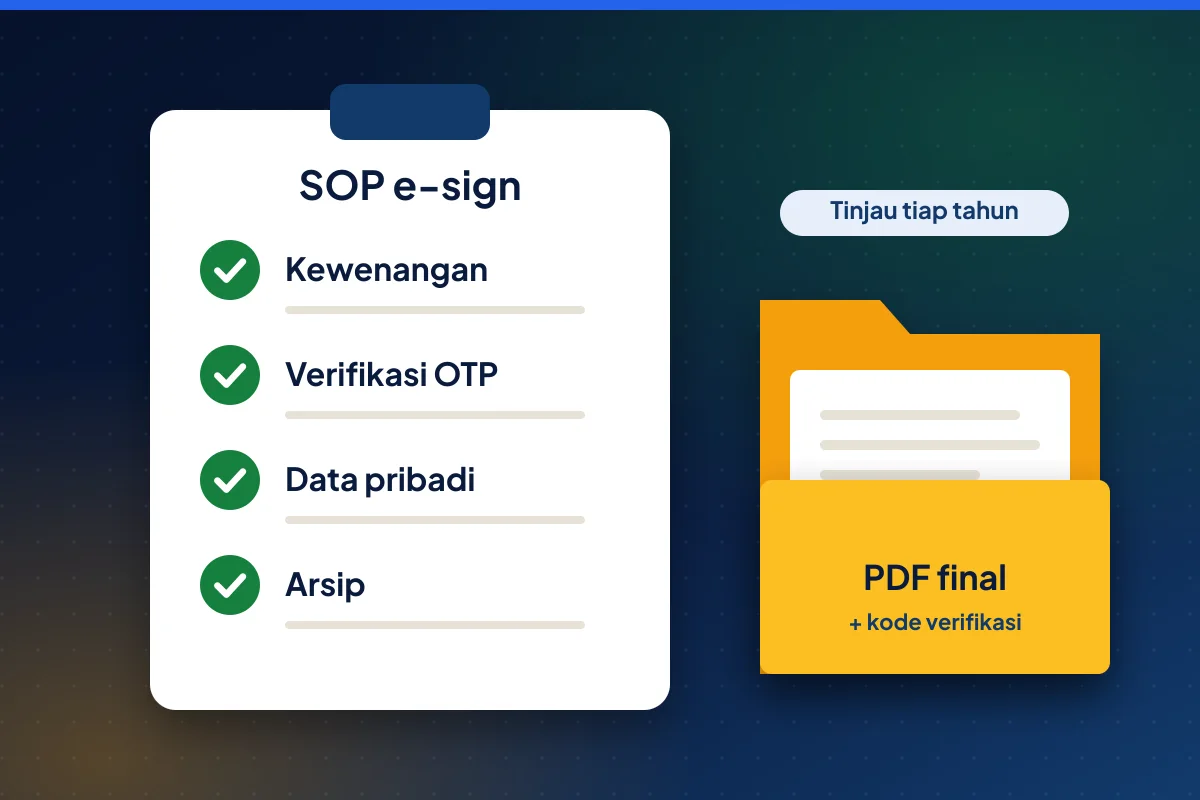
- Set verification for each signer, preferably an email or WhatsApp OTP, and choose sequential or parallel signing.
- Track status in the dashboard, send reminders when needed, then keep the final PDF together with its verification code.
- Once volume grows, connect your systems through the API and webhooks so documents go out automatically.
This way your business gets the speed and savings of electronic signatures while still having an audit trail, a final document hash, and a public verification page from docs.resmi.id as supporting evidence if a document's authenticity is ever challenged.
References
- JDIH BPK — UU Nomor 11 Tahun 2008 tentang Informasi dan Transaksi Elektronik
- JDIH BPK — UU Nomor 1 Tahun 2024 (Perubahan Kedua UU ITE)
- JDIH Kemenkeu — PP Nomor 71 Tahun 2019 tentang Penyelenggaraan Sistem dan Transaksi Elektronik
This information is general and not legal advice. For important decisions, check the latest regulations at official sources or consult a legal professional.