Automate e-Meterai for invoices and receipts with the docs.resmi.id API
If you only stamp a few documents a month, uploading them manually through the dashboard is enough. But once your system issues dozens or hundreds of high-value receipts every day, manual work becomes a source of errors: some documents get missed, others get stamped twice.
 Resmi.ID Team · 4 min read ·
 Photo: Adam Satria / Unsplash
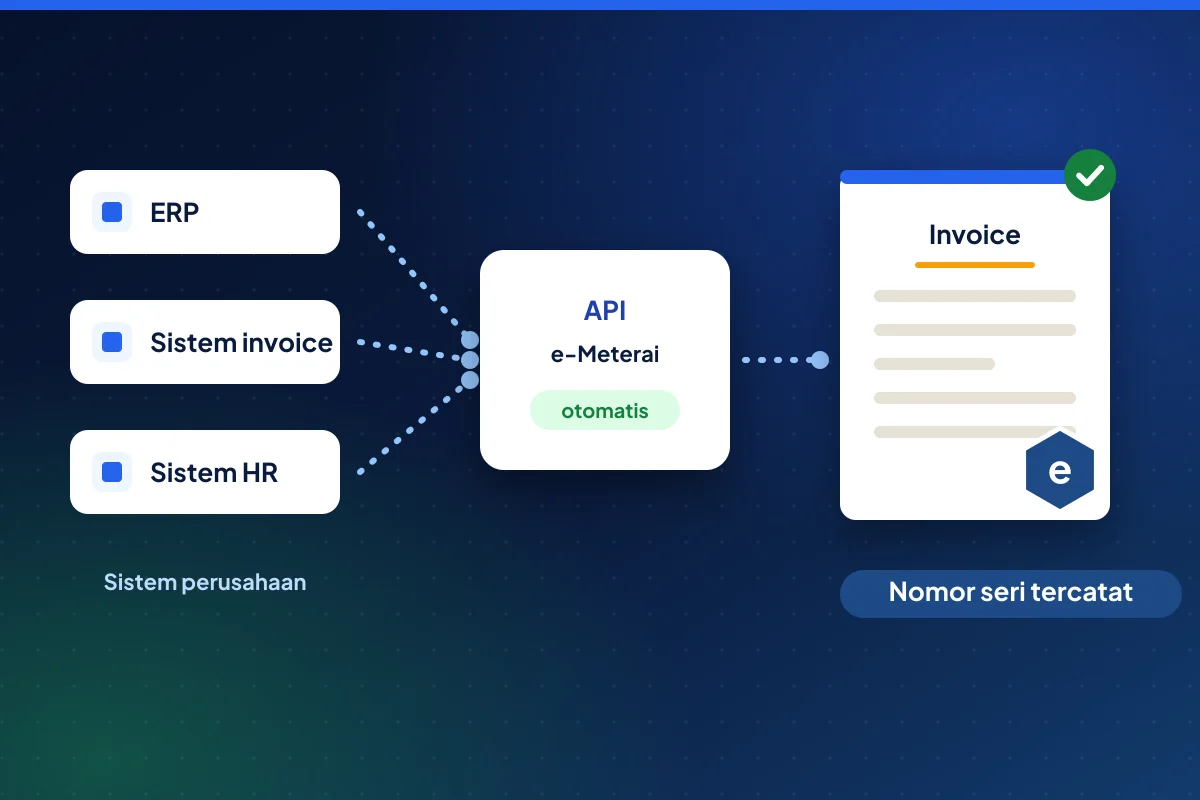
This article explains when the docs.resmi.id e-Meterai API makes sense, how the flow works at a high level, and what to watch for so your integration is safe and cost-effective. The full technical details are in the API documentation at docs.resmi.id/docs.
When you need the API
- Your accounting system, ERP or point-of-sale app issues receipts or proofs of settlement automatically.
- You stamp enough documents that manual uploads take up staff time.
- You want stamps applied as soon as a document is issued, without waiting for office hours.
- You are building a product for customers and want to offer e-Meterai inside it.
Which documents need a stamp
Automation is only useful if the rules are right. Under Law 10/2020, a document stating an amount of money above Rp5,000,000 that mentions receipt of money, or acknowledges that a debt has been paid or settled, is subject to stamp duty. What matters is the document's content, not its name.
On the other hand, some documents are not subject to stamp duty, such as receipts for salaries and other employment-related payments, and receipts of money for an organisation's internal purposes. Define these sorting rules in your system together with your tax consultant, so stamps are applied only to documents that need them.
The integration flow at a glance
- 1Create an API keyThe business owner creates a key in the Dashboard under Developer, with “e-Meterai only” access.
- 2Test in test modeUse a test key, which is free and uses Peruri test stamps that are not legally valid.
- 3Send the final PDFYour system sends the PDF with the document type and stamp position to the API.
- 4Wait for the resultReceive a webhook notification, or poll the status until it is done.
- 5Download the stamped PDFFetch the result file with its stamp serial number and store it in your system.
- 6Go liveOnce testing runs smoothly, replace the test key with a live key on your production server.
Test mode is limited to 100 test stamps per 24 hours, enough to try different document types and stamp positions. Test and live data are kept separate, so your trials never mix with real documents. Once live, store each stamp's serial number with the related invoice or receipt in your system, so it is easy to trace during an audit.
An “e-Meterai only” key is safer
When creating a key, you can choose e-Meterai only or e-Meterai plus e-Sign access. For a system that only stamps invoices and receipts, choose e-Meterai only. This key cannot send signing documents, so the damage is smaller if it ever leaks. Keep keys on your server, never in a web or mobile app, and revoke a key from the dashboard right away if you suspect it has leaked.
Webhooks: let us tell you
Instead of your system repeatedly asking “is it done yet?”, register a webhook URL. We send a notification when a stamp is applied successfully or fails. Every webhook delivery is signed with HMAC, so your system must verify that signature before processing the payload, and should handle each event idempotently because the same delivery can arrive more than once.
Idempotency-Key: never get charged twice
A connection can drop right after a request is sent. Without a safeguard, your system may retry and apply a second stamp to the same document. Send an Idempotency-Key header with a value unique to each document, such as the invoice number. A retry with the same key returns the same result, so the stamp is neither created nor charged twice.
Cost: Rp10,500 per stamp, no subscription
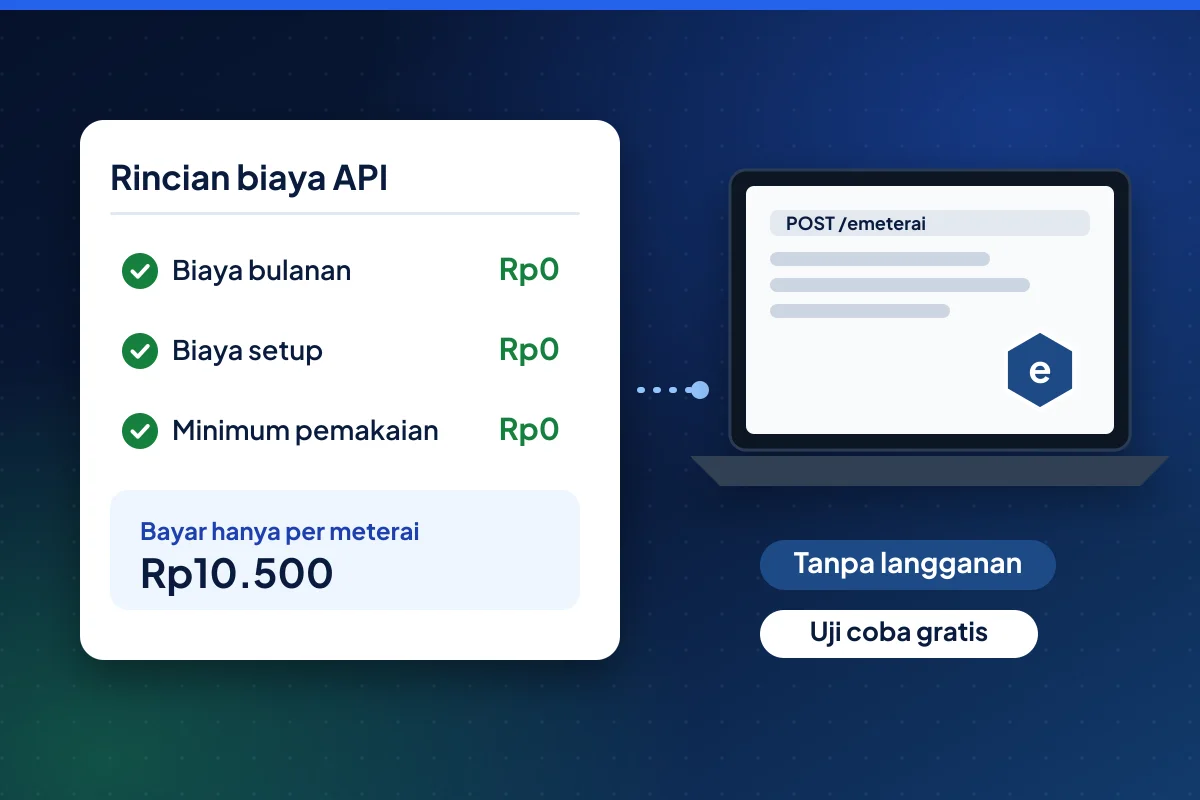
The e-Meterai-only API costs Rp10,500 per stamp, with no subscription plan and no use of your document quota. The fee is deducted from your Resmi.ID business balance when the request is accepted, and refunded automatically if stamping fails. Test mode is free, so you can finish the entire integration before spending anything.
If your documents also need signatures from several parties, such as customer subscription contracts, use the e-Sign API. The e-Meterai on a signing document is applied automatically as the final step after all parties have finished.
References
This information is general and not legal advice. For important decisions, check the latest regulations at official sources or consult a legal professional.