Multi-party digital partnership agreements: signing order, roles and e-Meterai
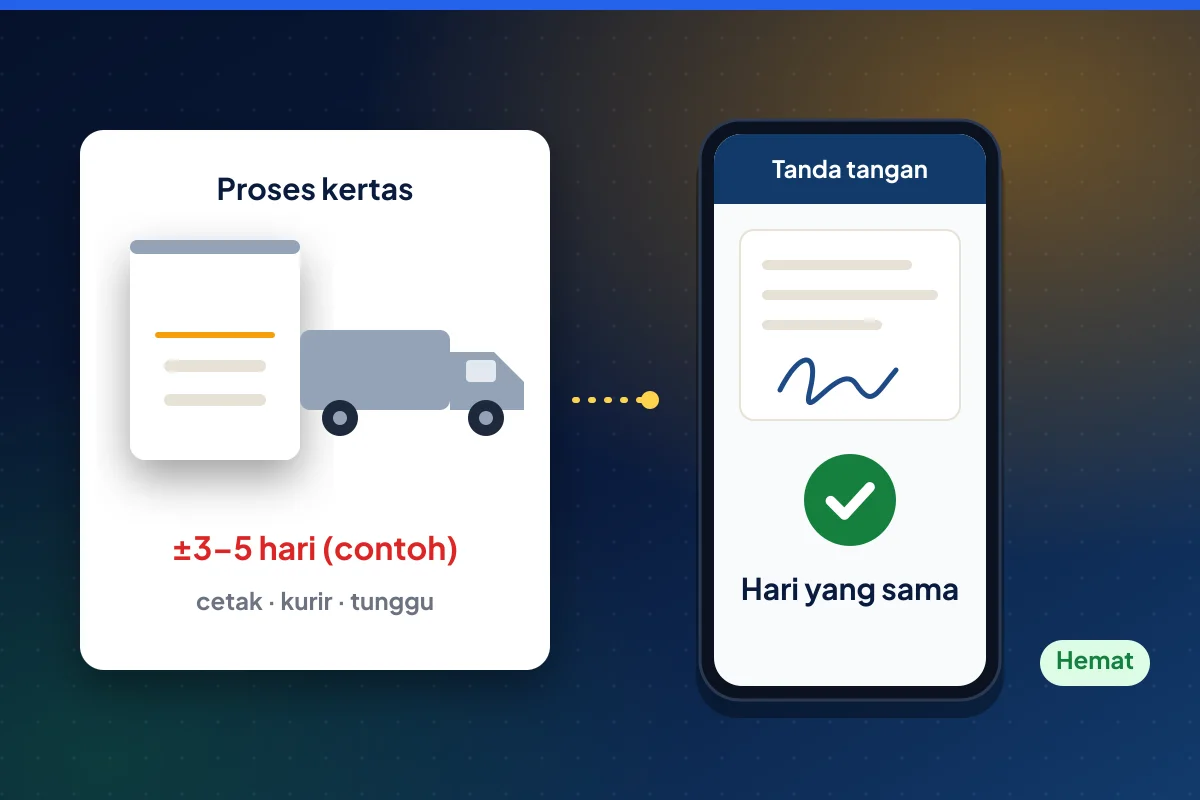
A partnership agreement (PKS) rarely involves just two people. There is usually a director from each company, a legal team that needs to approve it, and a finance team that only needs a copy. When the document goes back and forth by email, questions soon arise: which version is final, and who has not signed yet?
 Resmi.ID Team · 4 min read ·
 Photo: Amina Atar / Unsplash
This article shows how to set up a multi-party signing flow on docs.resmi.id so it stays tidy, traceable and finishes sooner.
Sequential or parallel?
The first step is deciding the signing order. docs.resmi.id offers two options:
- 1SequentialThe next signer is invited only after the previous one has finished. Suitable when there is a hierarchy, for example legal approves first, then the first party's director, then the second party's director.
- 2ParallelEveryone is invited at once and can sign in any order. Suitable when the parties are on an equal footing and you want the document finished quickly.
As a rule of thumb, choose sequential if an earlier party may still object to the content, and parallel if all parties agreed on the content before it was sent.
Assign each person a role
- 1SignerA party who signs on their own behalf or for their company, such as a director.
- 2ApproverA party who must give approval before the document is considered complete, such as the head of legal or a project manager.
- 3Copy recipientA party who needs to know about and receive the final document without signing, such as the finance team.
Signers do not need an account. They simply open the invitation link, verify themselves with an OTP, read the document and sign by drawing, typing or uploading their signature.
Verify identity with an OTP
For each signer, choose OTP verification by email or WhatsApp. The OTP confirms that the person signing actually controls the email address or number you entered. So double-check contact details before sending; one wrong letter means the invitation reaches the wrong person.
Automatic reminders and tracking
Busy signers often forget. docs.resmi.id sends automatic reminders on day 1 and day 3 to anyone who has not signed yet. From the dashboard you can see who has been notified, opened the document, signed or declined, without chasing each person.
If a party declines, the status shows up in the dashboard straight away. Discuss their objection, revise the document, then send it again as a new document so every party signs exactly the same version. Avoid editing a file that some parties have already signed.
e-Meterai as the final step
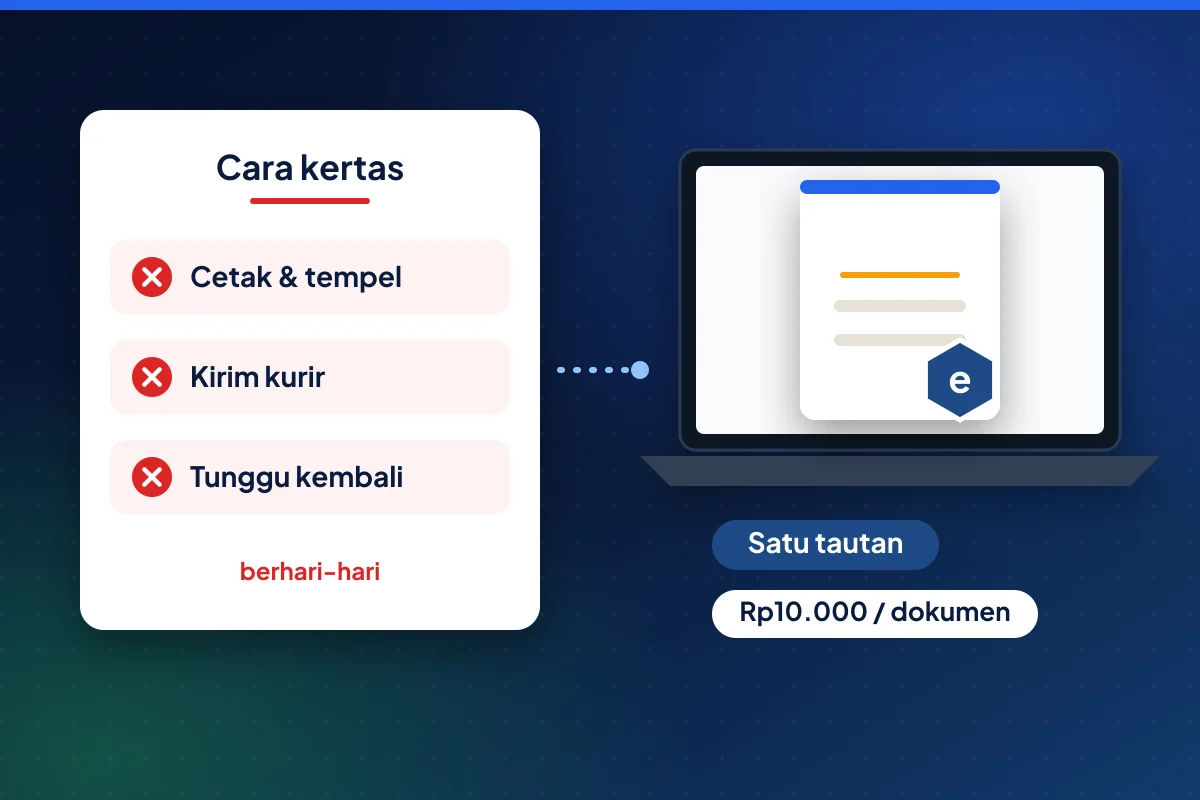
Agreements are subject to stamp duty under Law 10/2020, and the duty becomes due when the document is signed. The law's elucidation also notes that for a two-party agreement made in two counterparts, each counterpart is subject to stamp duty. The parties may agree among themselves who bears the cost.
When preparing the document, turn on e-Meterai and choose the document type. The system applies the Peruri e-Meterai after every signer and approver has finished, because the stamp is a digital signature on the file and nothing may change afterwards. Confirm the number of stamps your agreement needs with your tax consultant.
Example flow: a distribution agreement between two companies
PT Sumber Rasa (a manufacturer) and CV Maju Jaya (a distributor) agree on a distribution partnership. The flow could look like this:
- 1Prepare the documentPT Sumber Rasa's legal team drafts the agreement from a template or in the document editor, then uploads it as a final PDF.
- 2Add the partiesThe head of legal as approver, both directors as signers, and a finance staff member as copy recipient.
- 3Choose sequential orderThe approver first, then the first party's director, then the second party's director.
- 4Set verificationCV Maju Jaya's director uses WhatsApp OTP; the others use email OTP.
- 5Turn on e-MeteraiChoose the right document type and place it on the signature page.
- 6Send and monitorDay-1 and day-3 reminders go out automatically to anyone who has not signed.
- 7Complete and archiveOnce the e-Meterai is applied, every party receives the final document with its verification QR.
Costs and archiving
Signing costs Rp5,000 per signer and an e-Meterai costs Rp10,000 per stamp, paid from your Resmi.ID business balance. Every document has a hash-chained audit trail recording who did what and when, plus a public verification QR with a SHA-256 hash. Keep the final PDF and its verification code with your contract records.
References
This information is general and not legal advice. For important decisions, check the latest regulations at official sources or consult a legal professional.